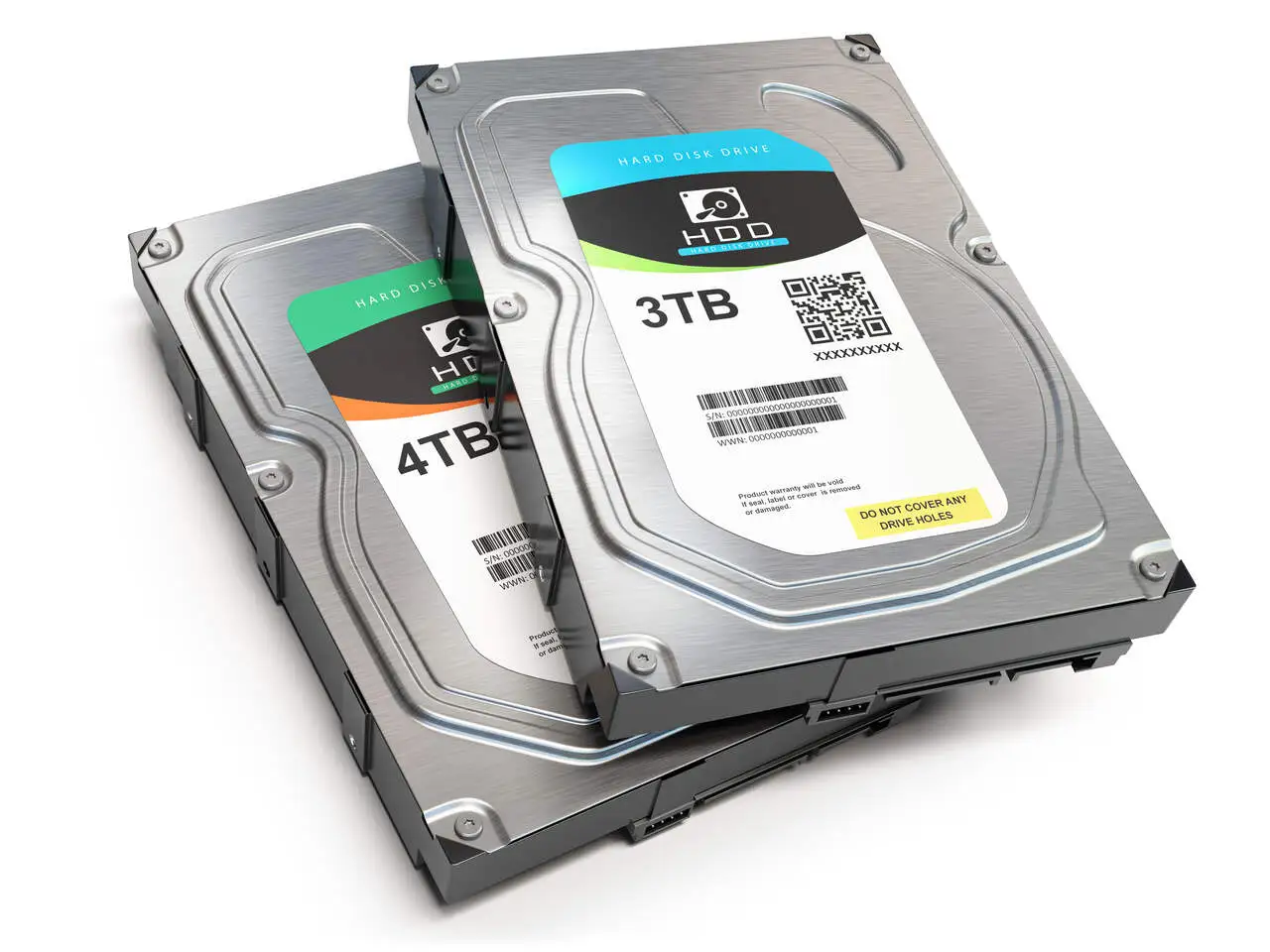
Many of our customers ask if it’s possible to repair the hard drive. We are somewhat conservative about this. Sometimes it is even possible to repair a hard drive, but we don’t do this work and we don’t recommend repairing hard drives that have been damaged. Even manufacturers don’t usually repair hard drives.
When a disk breaks down and is sent to the manufacturer’s warranty, it is discarded and a new disk is sent to the customer. In other words, not even manufacturers repair hard disks. If it’s no longer completely safe to entrust data to a new hard drive, it’s much less safe to entrust data to a repaired hard drive. In these cases, it can be much cheaper to buy a new hard drive than to lose the information and eventually have to hire a service that specializes in recovering data again.
Although there are brands of hard disk that give fewer problems than others, bear in mind that in a moment of data loss, the best hard disk will always be the one that is working and has your backups recorded on it.
Our solutions aim to recover the data from the damaged hard drive by relocating the recovered data to a new hard drive. We don’t repair hard drives!
How to recover a hard drive?
To recover a hard drive, it is subjected to a process of manipulating the disks and read heads, with the sole aim of extracting the data.
The main defects are:
- The hard disk won’t turn on because the logic board is burnt out;
- The hard disk loses its partition table and data cannot be accessed;
- The so-called Bad Blocks: physical defects on the magnetic surface of the hard disk drive platters, caused by the impact of dust particles or media wear;
- Problems with the hard disk drive motor, making it impossible for the platters to rotate and the data to be read by the read heads;
- Reading head pounding: Usually caused by dropping, burning or breaking;
- Firmware problems: Firmware are programs responsible for controlling the read heads. In other words, it is the hardware’s software. If the hardware has a software problem, it simply won’t work;
- The computer’s BIOS doesn’t recognize the hard drive: It could be any of the above defects;
How to tell if your hard drive needs repairing
Analyzing and identifying hard drive problems is crucial to ensuring the security of your data. Here are the main points you should consider:
1. Check the fault
- Strange noises: Look out for constant clicking noises coming from the hard disk. Loud, repetitive noises usually indicate a damaged hard drive.
2. Check the hardware connections
- Power cable: Make sure that all power cables are firmly connected.
- Connections to the motherboard: Check that the data cable between the hard disk and the motherboard is securely fitted and free of slack.
3. Visual inspection
- Printed circuit board: Examine the hard disk’s printed circuit board for signs of damage, such as burns or loose components.
4. HD recognition by the Operating System
- Reformatting message: If the operating system asks you to format the hard disk or shows defective areas, this is a sign of a problem.
- HD access: If the system recognizes the HD and boots the computer, but the HD is not accessible, this indicates a problem. Avoid formatting the drive in this case, as this could result in the loss of data you want to recover.
Additional steps to find out if your hard drive is burnt or defective
- Use diagnostic tools: Many hard drive manufacturers provide free diagnostic tools that can help identify specific problems.
- Regular backup: Always keep an up-to-date backup of your important data to prevent loss in the event of a hard drive failure.
By following these steps, you will be able to identify whether your hard drive needs repair and take the necessary measures to protect your data.
Discover our service for recovering data from a burnt hard drive
My hard drive is crashing, can I recover it?
As far as possible, avoid trying to repair a hard disk that is thrashing, as this usually aggravates the problem and can make it even more difficult to recover your data.
One point to watch out for is the power supply. Check that it is not overloaded or unable to supply enough power. If this is the case, try using another power supply or power cable, as both may be faulty.
We always recommend leaving your hard disk in the hands of a professional, due to the presence of sensitive components that any improper handling can damage.
Discover everything about hard drive data recovery
Count on a team of experts
Contact us and we’ll start the process of recovering data from your hard drive. Talk to one of our experts via WhatsApp, and we’ll guide you step by step through how everything will work.
See also: HD Recovery