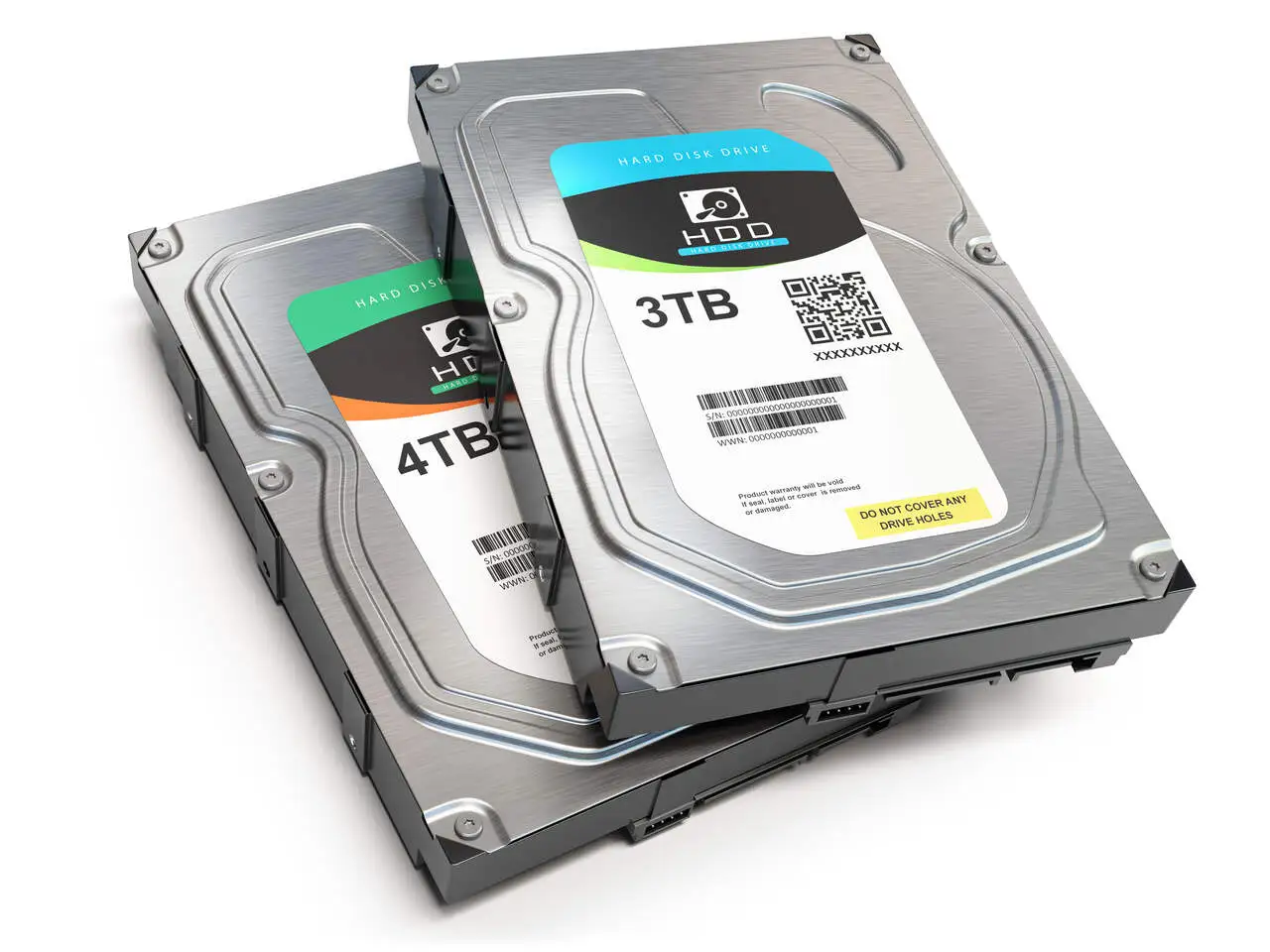
Finding out how to recover a corrupted hard drive is an obstacle that every person who uses a computer will have to overcome. There is a theory that says that the human life cycle is as follows: You are born, you grow up, you ruin your computer’s hard drive, you reproduce, you grow old and you die.
It’s very likely that at some point in your life, whether you’re a technician or not, you’ll have the misfortune of having to resort to solutions to recover a damaged, broken, corrupted, formatted or other hard disk.
Therefore, knowing the step-by-step solution to this type of problem is essential. So read on to find out how to recover a corrupted hard drive and save your data!
What is how to recover a corrupted hard drive?
To understand how to recover a corrupted hard disk, you first need to understand what it means to recover this type of hardware.
Recovering data from a damaged or corrupted hard disk is a process that rescues and processes the files that were stored on a hard disk that has suffered a problem, whether due to human action or technical problems.
If there is a backup of the data, simply take the media with the backup copies, replace it with the damaged hard drive and continue operating your data normally, otherwise it will take a little more work to recover the damaged hard drive.
Quando o HD para de funcionar de repente – e isso acontece muito – tente trocar os cabos, ligar o HD em um computador diferente, realize as tentativas padrão que qualquer usuário leigo costuma fazer. Se nenhuma dessas tentativas de como recuperar um HD corrompido
funcionar, provavelmente a situação se trata realmente de uma perda de dados.
Como ocorre a perda de dados do HD?
Existem diversos motivos que podem gerar a perda de dados de um HD. Por exemplo, pode acontecer de os arquivos serem apagados por problemas técnicos e mecânicos, por exclusões acidentais e até mesmo pelo desgaste do disco em razão do tempo. Em todas essas situações, será necessário recuperar HD danificado.
Alguns dos motivos mais comuns, são:
- Danos gerados por fogo ou água;
- Impactos;
- Excesso de calor;
- Malwares ou vírus.
Abaixo, veja mais sobre outros problemas mais e menos críticos que podem danificar o seu HD!
Main Problems that Corrupt HD
Entender como recuperar um HD corrompido é importante, pois diversas situações podem desencadear esse problema, como:
- Bad blocks: Occurs when there are power surges or when the computer is turned off incorrectly. This problem doesn’t really have a solution, but it can be circumvented: it is possible to “exchange the damaged block” for a properly functioning one, because the hard drive is already manufactured with damaged locations, but at the end of it there are several free blocks that are not being used.
- Burnt out board: This is caused by a voltage or similar problem. If the logic board burns out, buy a new one – you’ll need to buy an absolutely identical hard drive with the logic board intact, then simply replace it.
- The hard drive motor is not turning: In this case the chances are high that you have lost your hard drive.
- Beating needle: Usually occurs with older HDDs and is due to position error, this is one of the most serious problems that can occur.
Here, in both cases, there is a rudimentary “solution”: the hard drive doesn’t work again, but it is possible to recover the data. The process consists of greatly reducing the temperature of the hard drive so that the cooling makes it easier for the “needle” to find the data. We give this tip here, but we always stress that it is very important that any intervention on a damaged hard drive is carried out by a company or specialized professional.
Discover our service for recovering data from a burnt hard drive
How to recover a corrupted or damaged hard drive?
We know how important it is to recover your data. That’s why we’ve put together a few steps on how to recover a corrupted hard drive. Check them out:
Check the physical integrity of the hard disk: If your hard drive has suffered a fall or some impact, the physical integrity may have been compromised. Depending on the severity of the damage, recovery may be possible, but more difficult. In some cases, immediate replacement with a new hard drive may be necessary.
Connect the hard drive to another machine: If the physical integrity of the hard drive is intact, connect it to another machine. Check that the operating system recognizes the hard drive. If it does, you will probably be able to recover your data and copy it to another device, such as another hard drive or NAS storage.
Use a data recovery program: There are several data recovery programs available on the market. These programs scan the hard drive for files that can still be recovered, usually displaying a history of success with the recovered files.
A very popular and widely used program for this purpose is Recuva. It is known for its effectiveness in recovering deleted or lost files.
Seek help from a specialist in recovering your hard drive: If all the tips above don’t work, seek help from a professional and avoid worsening the situation of your hard drive and running the risk of 100% loss of your files.
Veja como clonar HD
Contact us and we’ll be happy to help.
Conte com a Digital Recovery para recuperação de HD
If nothing works, your problems are a little bigger than expected and you’ll need to call in a specialized service to recover a damaged hard drive – whew! Thank goodness it exists.
We’ve already talked in many posts about the basic requirements to be analyzed when choosing a data recovery company, and there are many, but first of all it’s important that you know the true value of your data, not least because most companies charge according to the amount of information on the hard drive.
So be sure that the information is valuable enough and then just wait, specialized companies hardly ever fail when it comes to recovering hard drives.
A Digital Recovery é uma empresa com vastos conhecimentos técnicos e capacidade para recuperar discos rígidos danificados. Entre em contacto, fale com um técnico e veja tudo o que a Digital Recovery pode fazer para recuperar os dados do seu disco rígido.
Confira também: Recuperar dados hd externo | Conserto de HD externo